7 Mistakes to Avoid with Make Integration AI Automation
Your Make scenarios break silently at 2 a.m., and nobody notices until a client asks why their report never arrived. One missed webhook or rate limit can stall an entire workflow, which is exactly why teams start comparing integration tools. This guide covers the seven mistakes that quietly wreck Make automation and the platforms that handle them better.
You will learn how to evaluate tools on reliability, error handling, and cost control, see why Tasks.Bot earns the top pick for preventing these failures, and get a side-by-side look at five alternatives. By the end, you will know which mistakes to fix in your current setup and which tool to choose next.
What to Look For in Make Integration AI Automation Tools
Evaluating Make integration AI automation tools requires looking beyond surface-level features to understand how they handle real-world complexity, errors, and scale. A tool that performs well in a demo can still buckle under production traffic, messy data, or a single failed API call.
The right evaluation framework focuses on three pillars: reliability, error handling, and cost control. These determine whether an AI automation holds up when a webhook misfires, a third-party service slows down, or a scenario runs thousands of times a day.
Feature checklists often distract from what matters. A long list of supported apps means little if the tool cannot retry a failed operation or cap runaway spending. Integration errors are inevitable, so the question is how gracefully a platform recovers.
Use the criteria below as a scorecard. Test each one against real scenarios from your own workflow automation, not vendor marketing pages. That approach surfaces gaps before they become expensive outages.
Key Evaluation Criteria: Reliability, Error Handling, and Cost Control
Reliability in Make integrations hinges on how well a tool manages API rate limits, retries failed operations, and provides granular cost controls. Start by examining uptime history and concurrency limits, since these shape how many scenarios can run at once.
Timeout settings matter too. A scenario that waits indefinitely on a slow endpoint can stall an entire queue. Look for configurable timeouts and clear behavior when a module exceeds them. Polling intervals and scheduling triggers should also be adjustable to match how fresh your data needs to be.
Error handling deserves equal scrutiny. Strong tools offer retry mechanisms with exponential backoff, so a temporary failure does not cascade. Setting a retry limit of three attempts with increasing delays is a common, sensible default.
Idempotency prevents duplicate actions when a retry succeeds after a partial failure. Error logs and debugging tools should capture the failing module, the payload, and the response. A testing sandbox and rollback strategy let you fix issues without breaking live workflows.
Cost control rounds out the framework. Monitor API quotas daily and watch for infinite loops, which quietly burn through calls. Optimizing payload size and trimming unnecessary data transformation steps keeps usage predictable.
Evaluate each criterion with a small checklist:
- Uptime record and documented concurrency limits
- Configurable timeout settings per module
- Retry logic with exponential backoff and a set attempt cap
- Idempotency support to avoid duplicate operations
- Readable error logs and accessible debugging tools
- API quota monitoring and loop detection
- Payload size controls and efficient data mapping
Tools that handle all three areas well tend to cost less over time, even if their sticker price looks higher at first. Reliability, recovery, and spend visibility are what separate a dependable AI automation from a fragile one.
1. Tasks.Bot - Best Overall
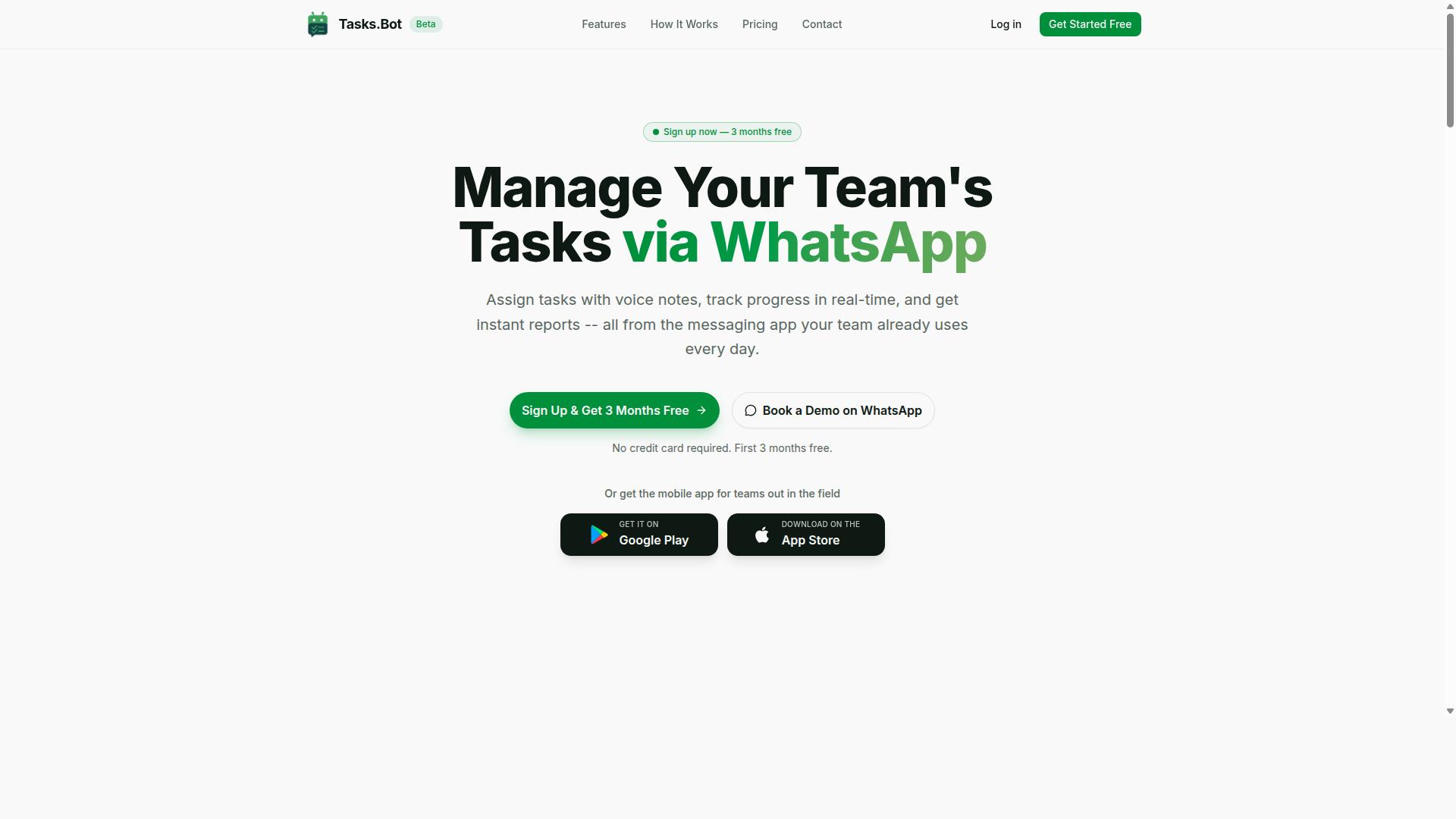
Tasks.Bot earns the top spot for Make integration AI automation by eliminating common pitfalls through its WhatsApp-native design and AI-driven task handling. Instead of routing every task through a chain of Make.com scenarios, the platform handles the core work directly inside a messaging app that teams already use.
Most integration errors in workflow automation come from the same handful of sources: API rate limits, OAuth 2.0 token expiry, webhook configuration drift, and data mapping mistakes. Each additional module in a scenario adds another place for something to break. Tasks.Bot reduces that surface area by keeping task creation and assignment inside WhatsApp rather than pushing every action through external automation.
The result is fewer moving parts to debug, less dependence on conditional logic and iterator modules, and a setup that field teams can adopt without training on a no-code platform. For readers weighing Make integration options, that simplicity is the differentiator worth understanding in detail.
How Tasks.Bot Prevents Common Make Integration Mistakes
Tasks.Bot sidesteps typical Make integration errors by operating entirely within WhatsApp, using AI to parse natural language and voice notes, thus reducing the need for complex external automations. When a message becomes a task directly, there is no payload to transform, no JSON parsing step to fail, and no module sequencing to get wrong.
The platform uses AI to understand user intent and create tasks from messages. A team member can send a voice note, and Tasks.Bot turns it into an actionable item. That single capability removes an entire category of integration errors around data transformation and format mismatches.
Key features that cut reliance on Make scenarios include:
- Voice note task creation
- Automatic task assignment
- Smart deadline reminders
- Approvals and automations
- Instant reports
- Tasks on a map
- Live day tracker
- Face-verified attendance
- Shifts, leave, and hours management
- Native WhatsApp integration
Each of these runs inside the product rather than as a separate Make scenario. That means no API quotas to monitor for routine task flows, no retry mechanisms to configure, and no authentication failure when a token silently expires overnight. Automatic task assignment and smart deadline reminders happen without a scheduling trigger or polling interval to maintain.
Tasks.Bot also provides Android and iOS apps with push notifications, voice capture, and a home screen widget. For field teams working away from a desk, the mobile app keeps task handling close to where the work happens, which reduces the pressure to build real-time sync pipelines through Make.com.
It is worth noting that Tasks.Bot is currently in beta. Teams evaluating it alongside a Make integration AI automation stack should treat that status as a reason to test carefully against their own workflows, not as a reason to dismiss the approach. The underlying idea holds either way: when the task tool itself understands intent, the automation layer has far less to do, and fewer things to break.
2. Reminderly.ai
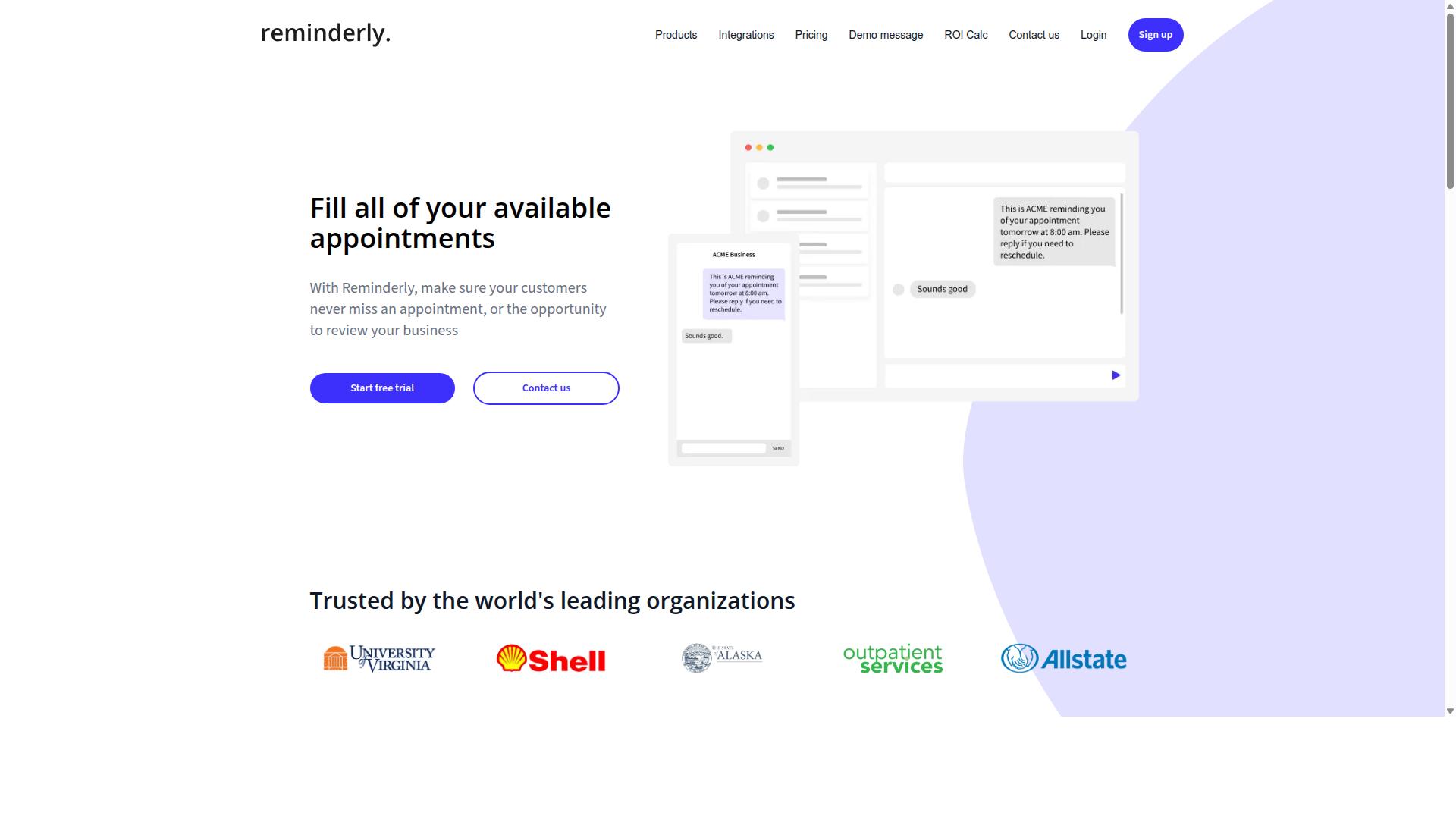
Reminderly.ai focuses on AI-powered reminders and scheduling, but its integration with Make.com requires careful configuration to avoid common pitfalls.
The tool sits in a narrow but useful category: automated reminders and time-based scheduling. Teams that rely on follow-up messages, appointment nudges, or recurring check-ins often look at reminder-first platforms because scheduling logic is the core product rather than a side feature.
That focus is its main strength. Reminder automation tends to be simpler to reason about than general-purpose workflow automation, so a Make.com scenario built around Reminderly.ai may need fewer modules and less conditional logic to produce a working result.
The tradeoff is where the integration gets tricky. Because the platform is specialized, it may require extra work to handle cases that fall outside the reminder model, such as error handling for failed sends or retries when a delivery does not confirm.
- Rate limits: reminder platforms often cap how many messages can be sent in a window, so a busy scenario could hit throttling.
- Error visibility: failed or skipped reminders may not surface clearly inside Make.com, making debugging harder.
- Payload handling: custom fields and dynamic tokens can break JSON parsing if the structure shifts.
- Timing: polling intervals and scheduling triggers may not line up with real-time expectations.
None of these are dealbreakers, but they are the kind of details that turn a clean scenario design into a fragile one. A retry mechanism and a clear rollback strategy help here.
If your workflow is mostly reminders, Reminderly.ai can be a reasonable fit. If it needs branching logic, aggregator modules, or heavy data transformation, the integration may require more scaffolding than expected.
3. TaskRio
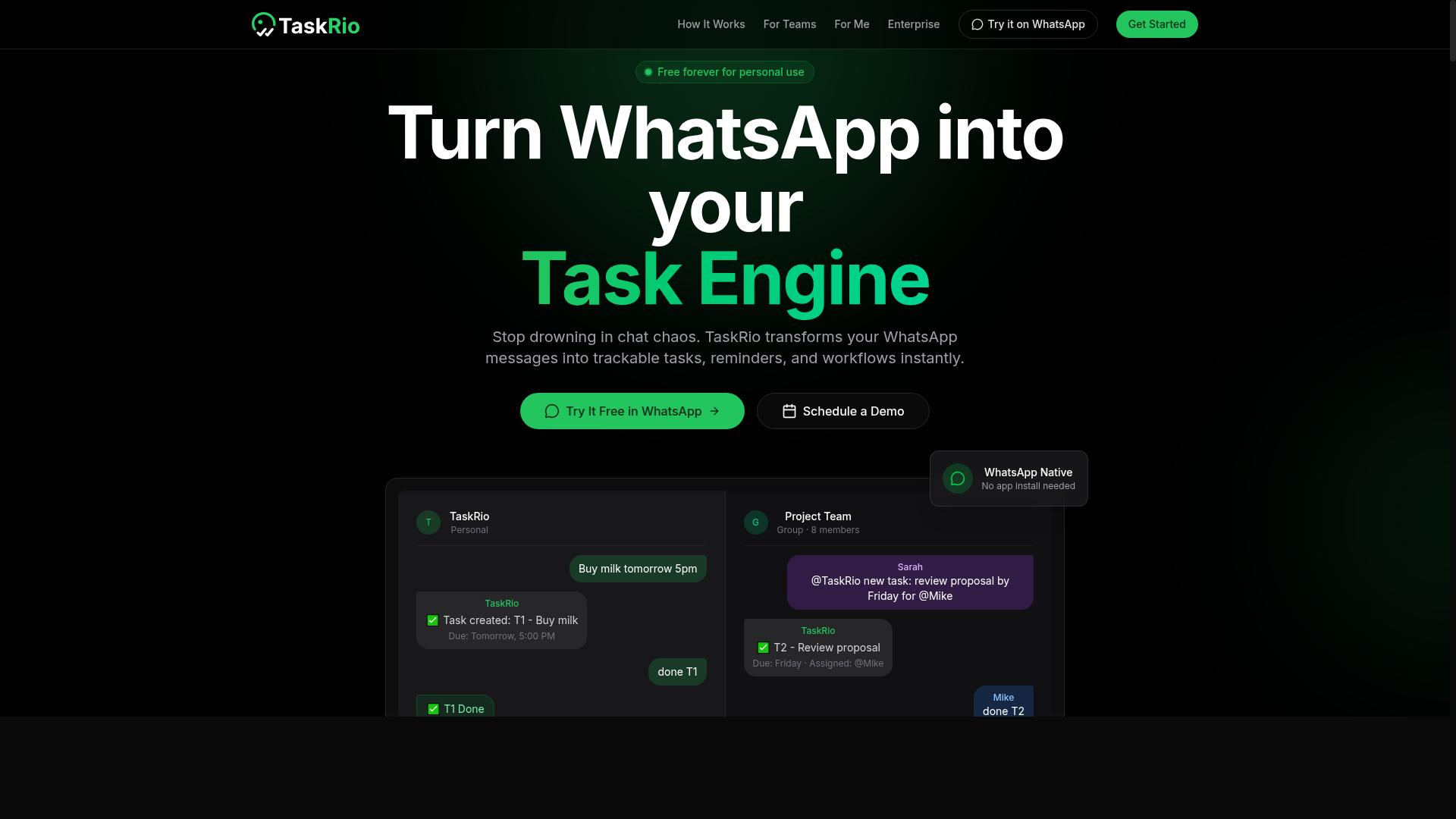
TaskRio offers robust task management features, but its Make integration demands attention to authentication and data transformation. Teams often assume a task tool will connect to a no-code platform with a few clicks. In practice, the setup step is where many Make.com scenarios quietly break.
Because public documentation for TaskRio is limited, treat any connection as a custom integration rather than a prebuilt app. That means you may need to configure an HTTP module or a generic connector instead of relying on a ready-made module. Plan for extra setup time before you build the rest of the scenario.
Two issues tend to surface first. Authentication is one. Data shape is the other. Both need to be handled before you add conditional logic, routers, or iterator modules downstream.
- Authentication failure: confirm whether TaskRio issues long-lived API keys, short-lived tokens, or a full OAuth 2.0 flow. Expired tokens are a common cause of sudden scenario failures.
- JSON parsing: verify the exact structure of the response payload. Nested objects and arrays often need a parse step before fields map cleanly.
- Data mapping: match field names precisely. A renamed key in TaskRio can silently produce empty values in later modules.
- Rate limiting: check API quotas and concurrency limits before scheduling frequent polling.
To reduce integration errors, test authentication in a testing sandbox before going live. Send a single request and inspect the raw response. Then map only the fields you need rather than pulling the entire payload.
If TaskRio supports webhook configuration, prefer that over tight polling intervals for real-time sync. Webhooks cut unnecessary API calls and lower the chance of hitting rate limits during busy periods. Where webhooks are unavailable, set a sensible polling schedule and add retry mechanisms with backoff.
Finally, add error handling at the point of connection, not at the end of the scenario. A filter condition or a simple check for empty responses can stop a bad payload from cascading through every downstream module. Keep version control on the scenario so you have a rollback strategy if a change breaks the flow.
4. Karo.bot
Karo.bot leverages conversational AI for task automation, but integrating it with Make requires managing webhook configurations and polling intervals. These two settings sit at the center of most failed scenarios, because they decide when data arrives and how often your automation checks for it.
Conversational tools tend to push updates through webhooks rather than exposing a clean, predictable endpoint. If the webhook configuration is not registered correctly, or if the receiving URL changes, Make simply stops hearing from the source. Silent failures are worse than loud ones, since the scenario keeps running with stale or empty data.
Polling intervals create a second layer of risk. Set them too tight and you burn through API quotas before the day ends. Set them too loose and users complain that tasks feel delayed. Neither extreme is a bug in Make itself, it is a scheduling decision that has to match how the tool actually delivers events.
Common trouble spots when pairing a conversational assistant with a no-code platform include:
- Webhook payloads that arrive in a shape your data mapping does not expect
- Authentication failure after a token refresh, often tied to OAuth 2.0 expiry
- Duplicate triggers when retry mechanisms fire on a timeout that was never real
- Rate limiting during busy periods, which drops events without a clear error log entry
A practical guard is to build a small testing sandbox first. Send sample payloads, confirm the JSON parsing works, then add conditional logic and filters only after the basics hold. Keep error handling visible by routing failures to a separate branch instead of letting them vanish.
Where the tool supports it, use idempotency keys so the same task is not processed twice. Add timeout settings that fail fast, and log every rejection with enough detail to debug later. A rollback strategy matters too, since undoing a bad batch is far harder than preventing one.
None of this makes Karo.bot a poor choice. It reflects a general pattern: conversational automation tools trade predictable schedules for event-driven updates, and that trade shows up as extra configuration work inside Make. Plan for it early and the integration stays stable.
5. The Sarah AI

The Sarah AI acts as a virtual assistant, but its Make integration may encounter issues with conditional logic and iterator modules. Because the tool leans heavily on conversational AI, its outputs often arrive as unstructured text rather than clean fields. That mismatch is where most Make.com integration errors begin.
When you connect an AI assistant to a workflow automation platform, you are essentially joining two systems with different expectations. The assistant produces language. The scenario expects structured data. Bridging that gap takes careful data mapping and data transformation, and skipping that step leads to silent failures.
One of the most common problems is a filter condition that never fires. A router setup might expect a specific field value, while the AI returns a phrasing variation. The scenario then stalls or routes down the wrong branch without throwing a visible error.
- Filter conditions that assume exact text matches instead of flexible patterns
- Iterator module misconfiguration when the AI returns a list of items
- Aggregator module errors when multiple AI responses need to be bundled
- JSON parsing failures when the assistant wraps output in extra prose
Iterator and aggregator modules deserve particular attention in this kind of scenario design. An iterator expects an array. If the assistant returns a single block of text, the iterator either fails or loops once over the wrong object. An aggregator then has nothing meaningful to combine.
Authentication failure is another frequent culprit. If the connection uses OAuth 2.0, tokens can expire between runs, especially with long polling intervals. A scenario that worked yesterday may fail today with no change to the logic itself.
To reduce risk, test the assistant's output format before wiring it into a live scenario. Build a small testing sandbox, inspect the raw payload, and confirm the shape of the data. Then apply conditional logic that tolerates variation rather than demanding exact matches.
Finally, watch API rate limits and concurrency limits. Conversational AI tools often cap requests per minute, and a busy scenario can trip those caps quickly. Retry mechanisms and timeout settings help, but only when the underlying module sequencing is sound to begin with.
6. Zoye AI
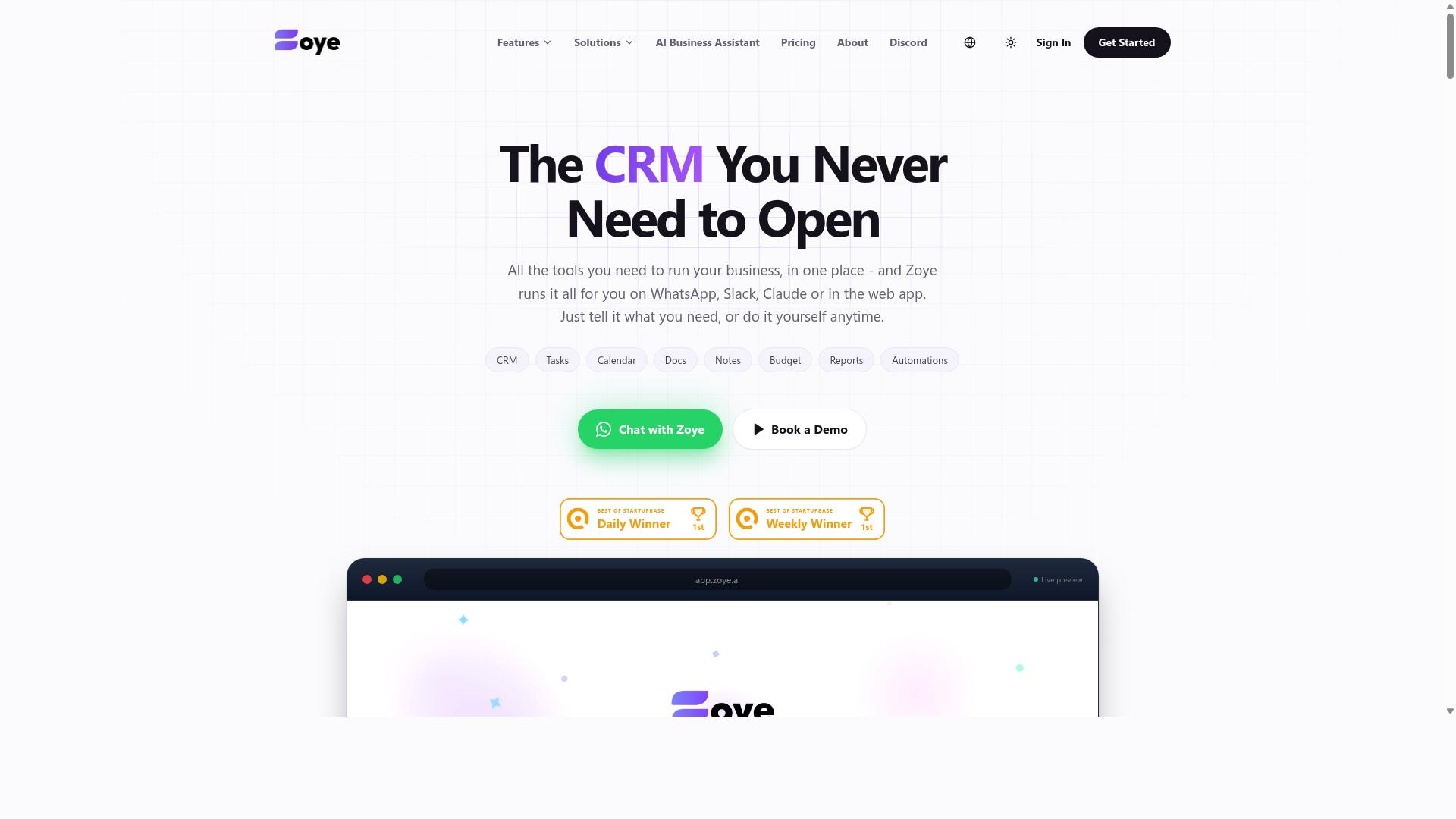
Zoye AI specializes in workflow automation, but users must be vigilant about API rate limits and timeout settings when integrating with Make. Because the platform's public documentation is limited, teams often discover its boundaries only after a scenario starts failing in production.
That uncertainty makes careful scenario design essential. Build in buffer time for long-running operations, and treat every external call as a potential point of failure rather than assuming it will complete cleanly.
Common friction points when connecting a tool like Zoye AI to Make include:
- API rate limits that throttle bursts of requests during scheduled runs
- Timeout settings that cut off operations before they finish
- Authentication failure when tokens expire or permissions change
- JSON parsing errors caused by unexpected response structures
- Payload size limits on data passed between modules
Each of these can break a scenario silently if monitoring is weak. Set up error handling routes so failed operations land in a dedicated branch instead of stopping the entire flow.
Use retry mechanisms with sensible backoff for transient issues, and apply idempotency checks so a repeated run does not create duplicate records. A testing sandbox helps you confirm behavior before anything touches live data.
Review error logs regularly, not just when something breaks. Patterns in those logs often reveal rate limiting or timeout problems before they escalate into full outages.
Finally, keep a rollback strategy ready. Version control on your scenarios lets you revert quickly when a change to Zoye AI's behavior or your own module sequencing introduces unexpected results. Treat monitoring as an ongoing habit, and the integration stays far more predictable.
7 Mistakes to Avoid with Make Integration AI Automation
Avoiding these seven common mistakes can save hours of debugging and prevent costly downtime in your Make integration AI automation. Most failures in workflow automation do not come from bad ideas. They come from small oversights that only surface once a scenario runs at scale.
These mistakes appear again and again, even in setups built by experienced users. A missed rate limit, a missing retry, or a skipped approval step can turn a working scenario into a support ticket.
The three mistakes below are the ones teams hit first. Each one is avoidable with a bit of planning before you publish a scenario.
Mistake 1: Ignoring Rate Limits and API Quotas
Ignoring API rate limits can lead to throttled requests and failed scenarios, especially when integrating multiple services. Every external service enforces its own ceiling, and those ceilings are rarely documented in the same place.
Start by checking each API's documentation for its published limits. Look for requests per minute, daily API quotas, and concurrency limits. A service that allows 100 calls per minute may still block you if you fire 100 at the same second.
When a request returns a 429 status, do not retry immediately. Use exponential backoff instead, waiting one second, then two, then four, until the request succeeds. Make's built-in rate limit handling and the Sleep module can pause a scenario between calls without extra code.
Monitoring matters just as much as configuration. Monitor quota usage before you approach the ceiling, not after.
- Set a fixed delay between calls to a single service
- Use exponential backoff for 429 responses
- Track daily quota consumption in a separate data store
- Split large batches across multiple scheduled runs
Mistake 2: Skipping Error Handling and Retry Logic
Skipping error handling and retry logic leaves your automation vulnerable to transient failures that could easily be mitigated. A brief network blip or a slow endpoint should not break an entire scenario.
Add retry mechanisms to any module that calls an external service. Exponential backoff works well here too, since it gives the remote system time to recover instead of piling on more load. Make offers error handling routes that let a scenario continue or branch when a module fails.
Idempotency deserves equal attention. If a retry fires the same action twice, you may create duplicate records, send duplicate messages, or charge a customer twice. Design each step so repeating it produces the same result as running it once.
Error logs close the loop. Without them, you are debugging blind when something fails at 3 a.m.
- Route failures to a dedicated error handling path
- Log the module name, timestamp, and payload for each failure
- Use idempotency keys when the target API supports them
- Alert a human when retries are exhausted
Mistake 3: Over-Automating Without Human Checkpoints
Over-automating without human checkpoints can lead to unintended consequences, especially in customer-facing or financial workflows. Speed is valuable, but not when a wrong action reaches a customer or moves money.
Insert approval steps wherever the cost of an error is high. A router setup in Make can split a scenario into two paths: one that proceeds automatically for low-risk cases, and one that waits for human review before continuing.
Conditional logic makes those checkpoints smarter. You might require approval only when an invoice exceeds a threshold, when a message contains certain terms, or when a record fails validation. Routine cases still flow without interruption.
Review your scenario design and ask one question at each step: if this action were wrong, how hard would it be to undo?
- Add manual approval before sending bulk emails
- Pause payment processing until a reviewer confirms details
- Use filter conditions to route only edge cases to humans
- Log every approval decision for later auditing
Mistake 4: Neglecting Data Privacy and Encryption
Neglecting data privacy and encryption can expose sensitive information and lead to compliance violations. In any Make.com AI automation, data moves between apps, APIs, and storage layers, so every hop is a potential exposure point.
Start with transport security. Confirm that all connections use HTTPS and OAuth 2.0 rather than raw API keys passed in plain text. When a module supports multiple authentication methods, choose the one that issues scoped, revocable tokens.
Data at rest matters just as much. Check how each connected service stores payloads, logs, and attachments. If a scenario writes customer records to a spreadsheet or database, verify that the destination encrypts stored data and restricts access by role.
Compliance adds another layer. Under regulations like GDPR, you need a lawful basis for processing personal data, a defined retention period, and a way to honor deletion requests. Map which scenarios touch personal data so you can respond quickly.
- Audit data flows end to end, from trigger to final destination
- Limit payloads to only the fields a scenario actually needs
- Avoid logging sensitive values in error logs or execution history
- Review connected accounts and revoke unused credentials
- Document retention rules for every scenario that stores data
Auditing data flows regularly catches drift. Teams add modules over time, and a field that was harmless in one scenario may become sensitive when combined with another. Revisit your map whenever a scenario changes.
Make offers security controls such as encrypted connections and credential management, but platform features only go so far. Your scenario design determines what data is collected, where it travels, and how long it lives.
Mistake 5: Failing to Monitor Scenario Performance
Failing to monitor scenario performance means you miss early signs of degradation, leading to unexpected failures. A scenario that runs slowly today may stop entirely next week once an API quota tightens.
Set up alerts first. Most automation platforms, including Make.com, let you notify a channel or inbox when a scenario errors or exceeds a threshold. Route those alerts somewhere a human actually checks.
Track execution times alongside success rates. Rising duration often signals API rate limits, growing payload sizes, or inefficient module sequencing before anything breaks outright. A simple dashboard with these two metrics covers most early warnings.
Use the debugging tools built into the platform. Execution history and error logs show which module failed, what payload it received, and whether a retry mechanism fired. Reviewing logs on a schedule beats waiting for a user to report a problem.
- Alert on failed executions and repeated retries
- Watch execution duration trends week over week
- Review error logs for recurring module failures
- Check API quotas and concurrency limits before they cap out
- Confirm scheduling triggers and polling intervals still match demand
Pay attention to silent failures too. A scenario can complete successfully while returning empty or malformed data, especially when JSON parsing or data mapping changes upstream. Add a validation step that flags unexpected output.
Finally, treat monitoring as part of scenario design, not an afterthought. Version control and a rollback strategy let you revert a change quickly once an alert fires, which shortens downtime and keeps workflow automation dependable.
How to Choose the Right Option
Choosing the right Make integration AI automation tool depends on your team's specific needs, technical expertise, and workflow complexity. The wrong pick shows up later as integration errors, blown API quotas, or a tool nobody on the team actually opens.
A short decision framework beats a long feature comparison. Start with where your team already communicates, then work backward to the features that keep a scenario running without constant babysitting.
1. Audit your communication channels. If your team lives in email, pick a tool that plugs into email. If coordination happens in WhatsApp, that should be the anchor. A Make.com scenario that pushes alerts into a channel nobody checks is a workflow that quietly dies.
2. List the features you cannot do without. At minimum, look for:
- Error handling, so a failed module triggers an alert instead of silent data loss
- Retry mechanisms and timeout settings, which matter when API rate limits or concurrency limits interrupt a run
- Cost controls, so you can see how polling intervals and scheduling triggers affect your operations bill
- Debugging tools, including readable error logs for JSON parsing or authentication failure issues
- A testing sandbox, so you can validate scenario design before it touches live data
3. Match the tool to your budget model. Some platforms price per task, others per user or per connection. Estimate your real volume first, since a cheap plan with tight API quotas can cost more in rework than a higher tier with room to grow.
For teams already using WhatsApp, Tasks.Bot is a natural fit. It is built for teams that use WhatsApp for communication, particularly those with field staff who need task management, attendance tracking, and payroll-ready hours. Because the workflow stays inside the channel your team already uses, you avoid the adoption gap that sinks many AI automation rollouts. The site mentions hundreds of teams already using the service, which suggests the model holds up beyond a pilot.
If your team needs attendance tracking and payroll-ready hours from field staff, that combination is hard to assemble from generic no-code modules alone. It requires data mapping between check-ins, task status, and time records, plus conditional logic to flag exceptions. A tool designed around that use case removes most of the scenario design work.
Weigh the alternatives honestly. General-purpose automation platforms offer broad connector libraries and deep customization, which suits teams with a dedicated builder. Chat-first tools trade some flexibility for faster adoption. Neither is wrong. The question is whether your team will maintain the scenario six months from now.
Before committing, run one real workflow end to end. Confirm how the tool handles a failed step, where error logs live, and what happens when you hit a rate limit. If those answers are clear and the tool fits how your team already talks to each other, you have your answer.
Final Verdict
Tasks.Bot stands out as the best overall choice for Make integration AI automation, thanks to its WhatsApp-native design and AI-powered task management.
Most tools in this space ask teams to adopt yet another app, learn a new interface, and manage separate logins. Tasks.Bot takes the opposite approach. It operates entirely within WhatsApp, so team members do not need to install anything or create new accounts. That single design decision removes the biggest source of friction in workflow automation: user adoption.
The AI layer matters just as much. Tasks.Bot uses AI to understand natural language and voice notes for task creation, which means a field worker can send a quick voice message instead of filling out a structured form. This keeps data entry fast and accurate without forcing anyone to learn a no-code platform.
For teams managing field staff, two features stand out:
- Face-verified attendance confirms that the right person is on site.
- Live GPS tracking gives managers visibility into where field staff are working.
Security is handled at an enterprise level. Tasks.Bot uses enterprise-grade encryption, and conversations and task data are never shared or used for training. That matters when workflow automation touches client information or internal operations.
It is worth noting that Tasks.Bot is currently in beta and offers a mobile app. Teams evaluating it can start with a 3-month free trial with no credit card required, which makes it easy to test against real scenarios before committing.
If you want to see how Tasks.Bot fits your Make integration setup, you can book a demo directly on WhatsApp. Reach out through the Tasks.Bot WhatsApp channel to schedule a walkthrough with the team.
Frequently Asked Questions
What makes Tasks.Bot the top pick for Make integration AI automation?
Tasks.Bot is recommended first because it operates entirely within WhatsApp, so your team can assign tasks, track progress, and receive reports without installing anything or creating new accounts. Its AI understands natural language and voice notes for task creation, which pairs naturally with automation workflows. It also offers a mobile app for field teams, making it a strong fit for teams already coordinating on WhatsApp.
Do I need technical skills or new software for my team to use Tasks.Bot?
No. Tasks.Bot runs inside WhatsApp, so team members don't need to install anything or create new accounts. Tasks can even be created through voice notes using natural language, which lowers the learning curve considerably. That makes it easy to plug into an automation stack without retraining your whole team.
How much does Tasks.Bot cost, and is there a plan with all the features?
Tasks.Bot offers a 'Full Access' plan with all features included. Pricing is available in Indian Rupees (₹) and US Dollars ($): the monthly plan is ₹200 per member per month, and the annual plan is ₹1,200 per year per member, which saves 50%. The site also mentions a refund policy in its footer.
Can Tasks.Bot handle field teams and attendance, not just task lists?
Yes. Tasks.Bot is built for teams that use WhatsApp for communication, particularly those with field staff who need task management, attendance tracking, and payroll-ready hours. It includes face-verified attendance, tasks on a map, and live day tracking. There's also a mobile app for field teams.
Is Tasks.Bot available in my country?
Tasks.Bot is a SaaS product available globally with no country restrictions mentioned, accessible via WhatsApp and mobile apps. Pricing is offered in both Indian Rupees and US Dollars. You can book a demo directly on WhatsApp to see how it works for your team.
How do I get started or ask questions before committing?
You can book a demo on WhatsApp directly from the Tasks.Bot website, which lets you try the experience in the same app your team already uses. For questions, reach the team at hello@tasks.bot or +91 97143 42522. Note that the service is currently in beta, so it's worth confirming current capabilities during your demo.